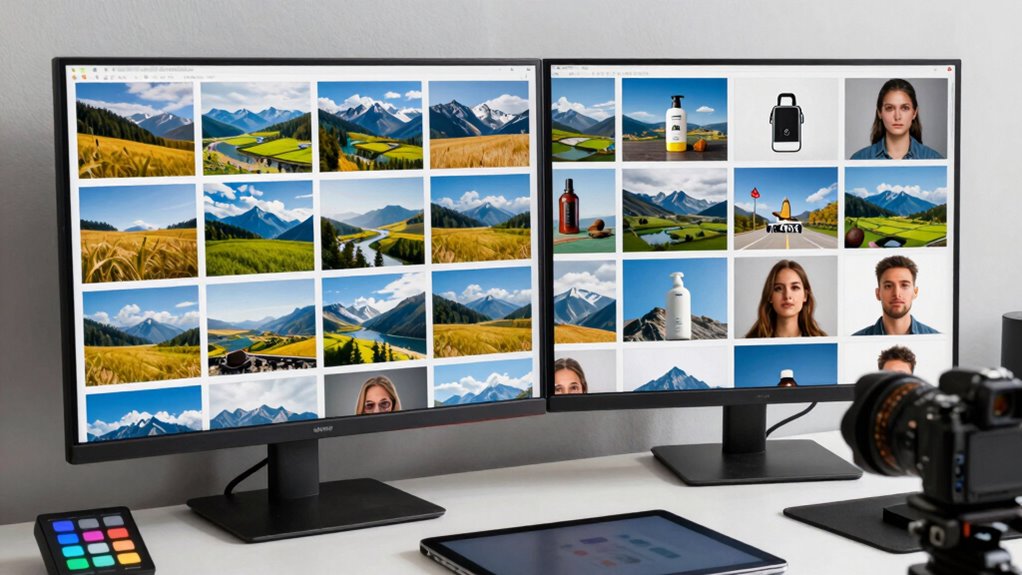

To standardize featured images across a large site, start by establishing consistent aspect ratios and a unified color palette to create visual harmony. Use templates or presets in editing software to streamline the process, making it easier for your team to follow these standards. Regularly audit your images to catch inconsistencies and update as needed. Following these steps will help you build a cohesive, professional look—if you keep exploring, you’ll discover even more effective strategies.

Get business pricing on tech for your team
- Business-only prices and quantity discounts
- Tax-exempt purchasing
- Multiple users, one account, clear invoices
Key Takeaways
- Establish and enforce a consistent aspect ratio and dimensions for all featured images across the site.
- Define a core color palette and ensure images are edited to match these hues for visual harmony.
- Create templates or presets in image editing tools to streamline standardized image creation processes.
- Develop clear guidelines for content creators to follow uniform image standards consistently.
- Conduct regular audits to identify and update images that deviate from established standards.
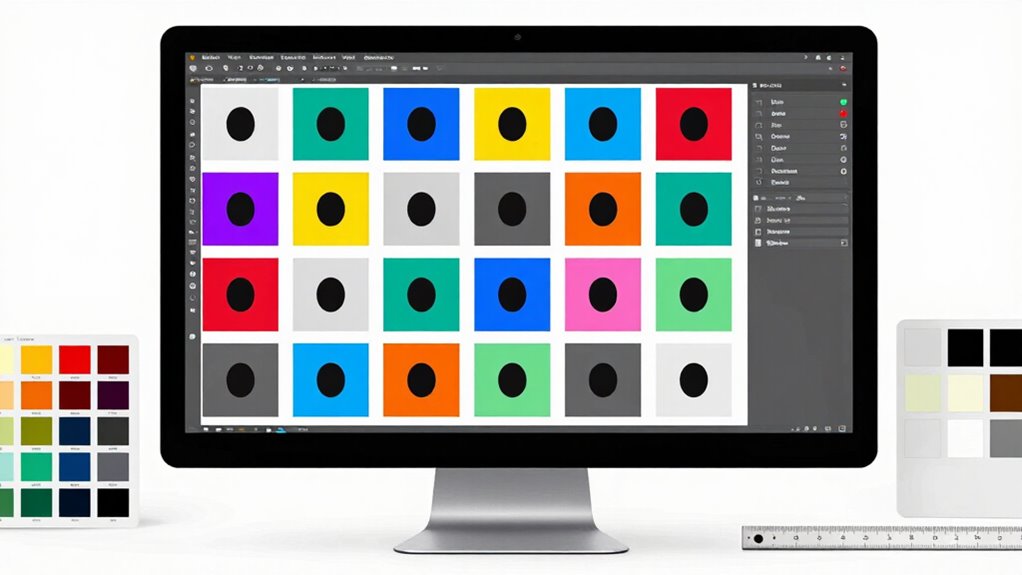
In today’s digital landscape, having consistent and high-quality featured images is essential for creating a cohesive and professional online presence. When managing a big site, uniformity isn’t just about aesthetics; it impacts brand recognition and user experience. To achieve this, you need to focus on standardizing key elements like image aspect ratios and color palette consistency. These details ensure your site looks polished and intentional, no matter which page or section visitors land on.
Start by establishing a default image aspect ratio that suits your brand’s style and layout. For example, if your site favors a grid layout, choosing a 16:9 or 4:3 aspect ratio can help images align perfectly across pages. Consistently applying this ratio simplifies the process of creating or resizing images, reducing visual clutter caused by mismatched dimensions. When you stick to a standard aspect ratio, it’s easier to crop or resize images uniformly, which saves time and maintains visual harmony. Incorporating visual consistency standards into your workflow can further enhance overall presentation.
Establish a default aspect ratio like 16:9 or 4:3 to ensure uniform, visually harmonious images across your site.
Color palette consistency is equally crucial. You want your featured images to complement your overall site design. Define a core color palette—primary, secondary, and accent colors—that reflect your brand identity. Use these colors as a guide when selecting or editing images. For instance, if your palette revolves around earthy tones, ensure your images incorporate similar hues. This approach fosters a seamless visual flow, making the site feel integrated rather than disjointed. Tools like photo editing software or filters can help you adjust color tones to match your established palette, maintaining uniformity across all images.
Automating the process can significantly enhance consistency. Consider using templates or presets in your editing software that automatically apply your chosen aspect ratio and color adjustments. Additionally, setting up guidelines for your team or content creators ensures everyone follows the same standards. This not only speeds up production but also guarantees that all featured images align with your site’s visual language. Incorporating content standards related to visual consistency can further streamline your workflow.
Finally, regular audits of your images can catch inconsistencies early. Periodically review your site’s featured images, checking for deviations in aspect ratios or color mismatches. When you spot inconsistencies, update or replace images to uphold your standards. Over time, these practices cultivate a unified visual identity that reinforces your brand and improves user engagement. By paying attention to image aspect ratios and color palette consistency, you create a polished, professional look that resonates with your audience and strengthens your site’s overall design.
Products Worth Considering

Amazon Kindle Scribe Colorsoft, 64GB, 11-Inch Color Display with Premium Pen

Logitech MX Brio Ultra HD 4K Webcam, Graphite

Bose S1 Pro+ All-in-One PA Speaker
As an affiliate, we earn on qualifying purchases.
Frequently Asked Questions
How Often Should Featured Image Guidelines Be Reviewed and Updated?
You should review and update your featured image guidelines regularly, at least every six months, to maintain visual consistency and branding alignment. This guarantees your images stay current with design trends and branding changes. Staying proactive helps prevent outdated visuals from disrupting your site’s cohesiveness. By doing so, you keep your visual content fresh, aligned with your brand identity, and ensure your team follows consistent standards across all pages.
What Tools Can Automate Featured Image Standardization?
You can automate featured image standardization using tools like Adobe Lightroom or Photoshop, which handle color correction efficiently. For managing image metadata and guaranteeing consistency, consider tools like ExifTool or ImageMagick. These tools allow you to batch process images, correcting colors and updating metadata automatically, saving time. Implementing such automation ensures your site’s images remain uniform, professional, and aligned with your branding standards effortlessly.
How to Handle Exceptions for Unique Content Types?
You handle exceptions for unique content types by creating specific guidelines that prioritize image consistency while allowing content differentiation. For example, imagine a news site where breaking news requires bold, custom images. You can set rules to maintain overall standardization but permit exceptions for urgent or special content. This approach guarantees visual harmony across your site while respecting the distinct needs of unique content types.
What Are Common Mistakes to Avoid in Image Standardization?
You should avoid neglecting image resolution, as inconsistent resolutions can make your site look unprofessional. Make sure all images are optimized for web, maintaining high quality without sacrificing load times. Additionally, don’t overlook color consistency; mismatched color tones can disrupt your site’s visual harmony. Always set standards for resolution and color profiles, and regularly review images to keep your site polished and cohesive.
How to Train Staff on Standardized Image Practices?
They say, “Practice makes perfect,” and that’s true when training staff on standardized image practices. You should create clear guidelines emphasizing brand consistency and visual hierarchy. Conduct hands-on workshops, provide visual examples, and encourage feedback. Regularly review their work and offer constructive criticism. By fostering a culture of consistent quality and attention to detail, your team will naturally adopt best practices, ensuring a cohesive and professional site appearance.
Conclusion
Standardizing your featured images creates a cohesive look that enhances your site’s professionalism and user experience. Consistent image sizes, styles, and branding make your content more recognizable and appealing. Did you know that articles with optimized images get 94% more views? By implementing these practices, you’re not just improving aesthetics—you’re boosting engagement and credibility. Keep your images uniform, and watch your site’s performance and visitor satisfaction soar!