

Implementing lazy loading for your images and videos can substantially boost your website’s speed and user experience. By loading media only when it’s visible on the screen, you reduce initial load times and save bandwidth. This guarantees your site functions smoothly across devices and maintains visuals without sacrificing quality. Combined with responsive design principles, lazy loading makes your site faster, more accessible, and more efficient—continue exploring for strategies that can optimize your media loading even further.
Key Takeaways
- Implement native HTML attributes like loading=”lazy” for efficient, browser-supported lazy loading of images and videos.
- Use JavaScript libraries or custom scripts to trigger media loading based on viewport visibility.
- Combine lazy loading with responsive design to ensure media adapts seamlessly across all device sizes.
- Test media load performance across browsers and devices to optimize speed and user experience.
- Ensure accessibility by providing alt text, fallback options, and maintaining compatibility with assistive technologies.
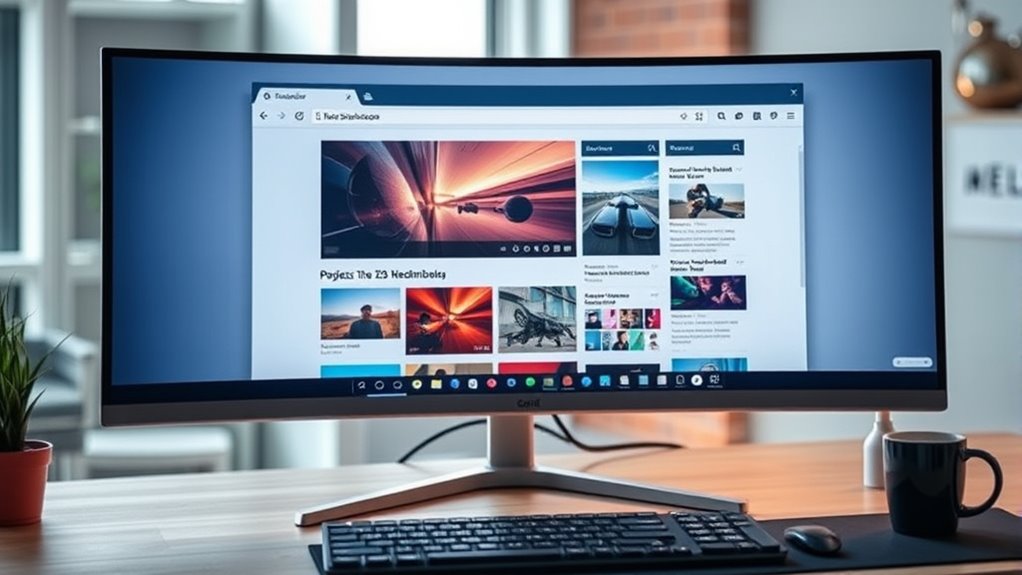
Lazy loading images and videos is a powerful technique that can markedly improve your website’s performance. When you implement lazy loading, media files only load as users scroll closer to them, reducing initial page load times and conserving bandwidth. This approach not only makes your site faster but also enhances user experience, especially on devices with limited processing power or slow internet connections.
Lazy loading images and videos boosts website speed and user experience by loading media only when needed.
To get the most out of lazy loading, it’s crucial to take into account responsive design principles. Ensuring that images and videos adapt seamlessly to different screen sizes means your content remains visually appealing and functional across desktops, tablets, and smartphones. Responsive design combined with lazy loading guarantees that your media loads efficiently without compromising visual quality or usability, no matter the device.
Accessibility considerations are equally important when you implement lazy loading. You want to guarantee that all users, including those relying on screen readers or keyboard navigation, have a smooth experience. For instance, if images or videos load lazily, screen readers should be able to access descriptive alt text immediately, even if the media isn’t visible yet.
You should also provide fallback options for users with JavaScript disabled, ensuring they can still access essential content. Additionally, make sure that lazy loading doesn’t interfere with users’ ability to navigate your site using keyboard controls. Properly implemented, lazy loading can complement accessibility features by reducing clutter, speeding up load times, and maintaining a clean, user-friendly interface.
To implement lazy loading effectively, you can use native HTML attributes like loading=”lazy” for images in modern browsers. For videos and other media, JavaScript libraries or custom code can manage when media loads based on scroll position or visibility. As you set this up, test across different devices and browsers to confirm that media loads correctly and that accessibility features remain intact. Incorporating performance optimization techniques like lazy loading can significantly enhance your website’s speed and user satisfaction.
Keep an eye on how your site performs: use tools like Lighthouse or WebPageTest to measure improvements in load times and overall performance metrics. Remember, lazy loading isn’t just about speed; it’s about creating an inclusive, responsive experience that works well for all users.
HTML and CSS: Visual QuickStart Guide
As an affiliate, we earn on qualifying purchases.
As an affiliate, we earn on qualifying purchases.
Frequently Asked Questions
How Does Lazy Loading Affect SEO Rankings?
Lazy loading can positively impact your SEO rankings by improving site speed, leading to better user experience. When images and videos load only when needed, your pages become faster, which search engines prioritize.
This technique offers SEO benefits like ranking improvements, as faster websites are favored in search results. So, by implementing lazy loading, you help boost your site’s performance and enhance your chances of higher rankings.
Can Lazy Loading Be Implemented Without Plugins?
While it’s often preferable to rely on plugins, you can achieve lazy loading through native JavaScript with a manual implementation. This approach allows you to control when images and videos load, enhancing performance without extra tools.
What Are Common Errors When Implementing Lazy Loading?
You might encounter common errors such as neglecting proper image placeholder strategies, which can cause layout shifts or flickering. Failing to optimize script loading can delay lazy loading activation, reducing effectiveness.
Confirm your implementation correctly specifies data attributes and uses efficient script loading techniques. Also, test across browsers to catch compatibility issues early.
Addressing these errors helps improve user experience and page performance with seamless lazy loading.
How Does Lazy Loading Impact User Experience on Mobile?
Think of lazy loading as a magic trick that keeps your mobile experience smooth as silk. It boosts touch responsiveness by loading images and videos only when needed, saving mobile bandwidth and preventing sluggishness.
This means your device isn’t overwhelmed, and pages load faster. As a result, you enjoy a seamless, responsive experience that feels effortless, even on slower connections—making your browsing more enjoyable and less frustrating.
Are There Any Security Concerns With Lazy Loading Images and Videos?
You might wonder if lazy loading images and videos affects security. Generally, it doesn’t pose significant risks to image privacy or content security, as it mainly delays loading to improve performance.
However, if your website loads images from untrusted sources or uses insecure protocols, it could expose you to content security issues. Always guarantee your sources are secure and implement proper access controls to protect user data and maintain privacy.

As an affiliate, we earn on qualifying purchases.
Conclusion
By implementing lazy loading for images and videos, you’re giving your website a much-needed boost in performance. It’s like killing two birds with one stone—faster load times and a smoother user experience. So don’t wait for your site to load like molasses; start lazy loading today and watch your site become more efficient. Remember, every little bit helps, and sometimes, less really is more when it comes to optimizing your site.

TiVo Roamio 500 GB DVR (Old Version) – Digital Video Recorder and Streaming Media Player
- Multi-Show Recording: Record 4 shows simultaneously
- Large Storage Capacity: 75 HD / 500 SD hours
- Compatible with Various Services: Digital cable, FIOS, or HD antenna
As an affiliate, we earn on qualifying purchases.
As an affiliate, we earn on qualifying purchases.

Website Optimization: Speed, Search Engine & Conversion Rate Secrets
- Book Condition: Used, Good Condition
As an affiliate, we earn on qualifying purchases.
As an affiliate, we earn on qualifying purchases.