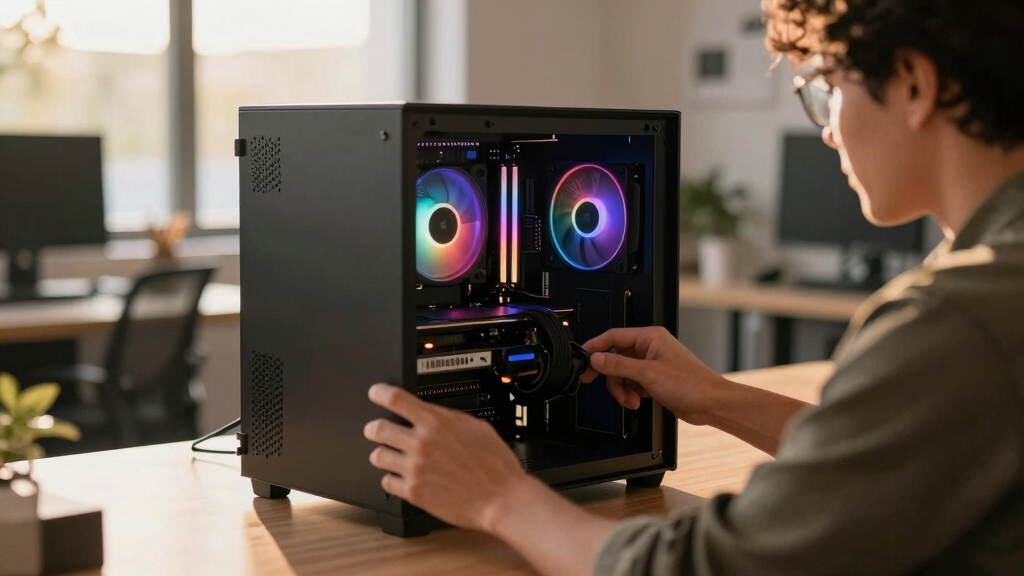

📊 Full opportunity report: Build vs Buy a Prebuilt AI Workstation on ThorstenMeyerAI.com — validation score, market gap, and execution plan.

Get business pricing on tech for your team
- Business-only prices and quantity discounts
- Tax-exempt purchasing
- Multiple users, one account, clear invoices
TL;DR
The long-held belief that building an AI workstation is cheaper than buying is no longer true in 2026 due to rising component costs and bulk purchasing by vendors. The decision now depends on cost, control, and time considerations.
In 2026, the long-standing rule that building a custom AI workstation is cheaper than buying a prebuilt has been overturned by market conditions, with prebuilt systems often matching or surpassing DIY costs due to component shortages and bulk purchasing.
Historically, building a DIY AI workstation saved money, but recent market dynamics have changed this. The surge in prices for DDR5 RAM, GPUs, and SSDs—driven by component shortages and increased demand—has pushed the cost of DIY builds above $1,250 for a comparable system, sometimes exceeding prebuilt options.
Meanwhile, reputable prebuilt vendors like BIZON, Puget Systems, and Lambda have secured components in bulk before the price hikes, allowing them to offer systems at prices that are difficult to match when sourcing parts individually today. These prebuilt systems also undergo extensive thermal validation and testing, often including water-cooling solutions that reduce noise and thermal throttling, with warranties that cover hardware failures under sustained loads.
The decision now hinges less on cost alone and more on factors such as time, thermal management, warranty, and upgradeability. Building your own rig offers control over component choices and the ability to fine-tune thermal settings, but it requires time, expertise, and ongoing maintenance. Conversely, buying a prebuilt provides plug-and-play convenience, validated thermals, and support, especially critical for multi-GPU configurations where thermal management is complex.
Build vs buy
an AI workstation.
The real question behind this whole series: do you pull the five heat-and-noise levers yourself, or buy a prebuilt where the vendor pulled them for you? And in 2026, the old “building is cheaper” rule has broken. Match your situation in Part 3.
Implications of Market Shifts on Build vs Buy Decisions
This shift in pricing dynamics significantly impacts professionals and hobbyists choosing between DIY and prebuilt AI workstations. It challenges the traditional assumption that DIY is always more cost-effective, emphasizing the importance of current market conditions in decision-making.
For buyers, this means re-evaluating the value of time saved versus potential cost savings, especially as prebuilt vendors now offer systems that are thermally optimized and supported with warranties. For the industry, it highlights how component shortages and bulk purchasing strategies influence market prices and availability, affecting individual builders and commercial buyers alike.
prebuilt AI workstation with water cooling
As an affiliate, we earn on qualifying purchases.
As an affiliate, we earn on qualifying purchases.
2026 Market Conditions Reshape Build vs Buy Choices
Since 2024, the AI hardware market has experienced severe component shortages and price spikes, particularly in high-end GPUs, DDR5 RAM, and SSDs. Bulk purchasing by large vendors like Lambda and Puget Systems has allowed them to secure stock at lower prices, enabling them to offer competitively priced prebuilt systems with validated thermal performance. Meanwhile, DIY builders face higher costs and limited availability of key parts, making the traditional cost advantage less clear.
Historically, building an AI workstation was cheaper because individual components cost less when purchased separately. However, in 2026, the market conditions have shifted this balance, forcing a re-examination of the build versus buy decision based on current prices and market availability.
"The market has fundamentally changed. Prebuilts now match or beat DIY costs because of component shortages and bulk buying. It’s no longer a clear-cut choice based on price alone."
— Thorsten Meyer, AI hardware expert
high performance GPU for AI workstations
As an affiliate, we earn on qualifying purchases.
As an affiliate, we earn on qualifying purchases.
Remaining Questions About Future Pricing and Availability
It is still unclear how long current market conditions will persist. As component shortages potentially ease or worsen, prices for individual parts and prebuilt systems may fluctuate further. Additionally, the impact of ongoing supply chain disruptions and new AI hardware releases could alter the cost dynamics again, making future build versus buy comparisons uncertain.
professional AI workstation warranty
As an affiliate, we earn on qualifying purchases.
As an affiliate, we earn on qualifying purchases.
Monitoring Market Trends and Vendor Offerings
Buyers should continue to compare current prices of components and prebuilt systems regularly, as market conditions are evolving. Vendors may adjust their offerings based on supply chain developments, and new hardware releases could influence both DIY and prebuilt options. Professionals and hobbyists alike should consider their specific needs, including time, thermal management, and upgradeability, when making decisions.
As an affiliate, we earn on qualifying purchases.
Key Questions
Is building my own AI workstation still cheaper in 2026?
Not necessarily. Due to component shortages and bulk buying, prebuilt systems often match or surpass the cost-effectiveness of DIY builds today.
What are the main advantages of buying a prebuilt AI workstation?
Prebuilts offer plug-and-play setup, validated thermals, warranties, and support, especially beneficial for complex multi-GPU systems.
Should I build my own if I want maximum control and upgradeability?
Yes, if you have the time, expertise, and desire to customize and maintain your system, building allows precise control over components and future upgrades.
How do current market shortages affect component prices?
Component shortages have driven up prices for GPUs, RAM, and SSDs, making DIY builds more expensive and less predictable in cost.
What future developments could change this comparison again?
Resolution of supply chain issues, new hardware releases, or changes in bulk purchasing strategies could alter prices and availability, impacting build vs buy decisions.
Source: ThorstenMeyerAI.com
Fall Picks
fall essentials
As an affiliate, we earn on qualifying purchases.