
TL;DR

Get business pricing on tech for your team
- Business-only prices and quantity discounts
- Tax-exempt purchasing
- Multiple users, one account, clear invoices
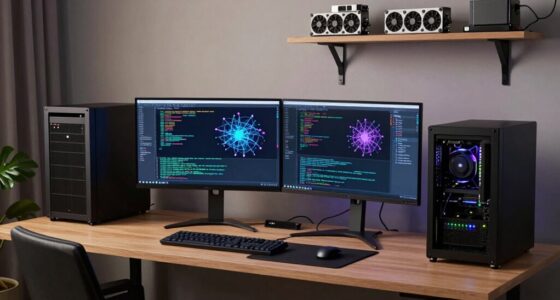
Thorsten Meyer AI has published a 2026 GPU roundup for local AI users that ranks cards by VRAM tier while focusing on sustained heat and noise. The report says VRAM remains the first buying constraint, while cooler design and 70-80% power limits can sharply reduce fan noise with little inference loss.
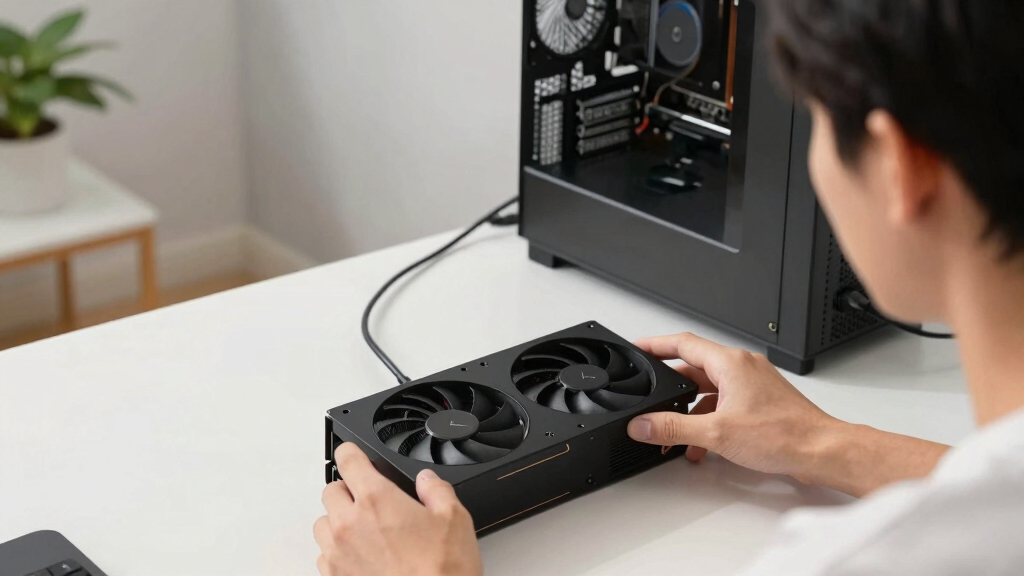
Thorsten Meyer AI has published a 2026 roundup of GPUs for local AI workstations that focuses on acoustic and thermal behavior, arguing that buyers should choose cards by VRAM tier first and then reduce noise through cooler selection and power limits.
The report says the GPU is the main source of heat and noise in many local AI rigs, producing about 70% or more of total heat under inference. Its central buying rule is that VRAM is the hard limit: if a model does not fit in GPU memory, performance can fall sharply no matter how powerful the card is.
The guide groups cards by VRAM capacity. It describes 16GB cards such as the RTX 5080 or RTX 4060 Ti as a cooler path for 7B to 34B workloads; 24GB cards such as the RTX 4090 or used RTX 3090 as an enthusiast baseline; 32GB cards such as the RTX 5090 as a stronger fit for 70B models at Q4 without offloading; and 96GB professional cards such as the RTX PRO 6000 as an option for larger dense or mixture-of-experts workloads.
The report also says quantization formats such as GGUF Q4_K_M, AWQ and Blackwell FP4 can reduce memory needs by 50% to 75%, with some quality tradeoff. It presents that as a way to stretch each VRAM tier, while warning that exact capability depends on the model, quantization method, context size and software stack.
Why It Matters
The report matters for readers building local AI systems because many GPU guides rank cards by benchmark speed while giving less attention to what happens during long inference sessions near a desk. A faster card can be a poor fit for a home office or shared workspace if its fans run loudly for hours.
The practical impact is also financial. The guide points readers toward choosing enough VRAM for the largest model they plan to run, then using power caps and cooler choice to manage acoustics. That approach may help buyers avoid overspending on raw wattage or buying a card that needs more cooling than their room, case or tolerance for fan noise can support.
quiet GPU for local AI workstation
As an affiliate, we earn on qualifying purchases.
As an affiliate, we earn on qualifying purchases.
Background
The roundup is positioned as a companion to Thorsten Meyer AI’s broader guide on reducing heat and noise in high-power AI workstations. It narrows the question to GPUs because they drive much of the heat load in a local AI machine.
The report’s baseline advice is that single-card systems usually benefit from large triple-fan open-air coolers with large heatsinks and zero-RPM idle modes. For multi-GPU systems, it says the design choice can change because open-air cards may dump heat into neighboring cards, while blower designs can exhaust heat more directly out of the chassis.
The guide cites 2026 local-LLM GPU guides and independent reviewers for broad specification context, while saying acoustic results vary by partner card, cooler design, case airflow and power settings.
“VRAM is the hard limit.”
— Thorsten Meyer AI report
“The chip doesn’t determine how loud your card is — the cooler design and your power settings do.”
— Thorsten Meyer AI report
“Capping a GPU to 70-80% power sheds a huge amount of heat for almost no loss in inference speed.”
— Thorsten Meyer AI report
As an affiliate, we earn on qualifying purchases.
What Remains Unclear
The report does not provide standardized lab noise measurements for every partner card, and it warns that acoustics vary by cooler, power settings, case airflow and workload. It is also not clear how retail pricing and availability will change through 2026. Buyers still need to confirm current VRAM, board design, warranty terms and pricing before purchase.
As an affiliate, we earn on qualifying purchases.
What’s Next
The next step for readers is to match the largest model they want to run to a VRAM tier, then compare specific partner cards by cooler type, physical size, power limit behavior and real user or reviewer noise data. For multi-GPU builds, the report says card spacing and exhaust path should be checked before choosing open-air or blower designs.
As an affiliate, we earn on qualifying purchases.
Key Questions
What is the main takeaway from the roundup?
Pick the VRAM tier first, because model fit is the hard limit. After that, cooler design and power limits have a large effect on how loud and hot the system runs.
Does the report say the fastest GPU is always the best choice?
No. The report says raw speed is only part of the decision. A card that runs a model quickly may still be a poor fit if it produces too much heat or fan noise during long local AI sessions.
Why does power-capping matter for local AI?
The report says inference is often memory-bound, so reducing a GPU to about 70-80% of its power limit can cut heat and noise while causing little speed loss in many workloads.
Which cooler type does the guide prefer?
For one GPU, it favors large triple-fan open-air cards with strong heatsinks and zero-RPM idle modes. For multi-GPU systems, it says blower designs may make more sense because stacked open-air cards can heat each other.
What should buyers still verify?
They should check current price, VRAM, card dimensions, power needs, cooler type and recent acoustic reviews for the exact partner model. The report says prices and availability change often.
Source: Thorsten Meyer AI
Halloween Picks
halloween
As an affiliate, we earn on qualifying purchases.