
TL;DR
You can produce a complete publishing kit from a single video without using the cloud. This approach streamlines creation, keeps assets local, and offers full control over every piece of content—perfect for creators who want speed and independence.
Imagine finishing a video and having a full toolkit ready to publish everywhere—socials, blogs, newsletters, and more—without uploading a single file to the cloud. That’s the promise behind a local-first approach. It’s a game-changer for creators who crave speed, control, and privacy.
In this article, I’ll show you how one video can become an entire publishing package—assets, metadata, clips, and promos—all generated offline. Plus, I’ll explain why skipping the cloud isn’t just about privacy; it’s about owning your workflow and reducing dependencies. Ready to see how it works? Let’s go.
Key Takeaways
- A local-first workflow automates asset creation from a single video, reducing time and dependence on internet services.
- Structured understanding of audio and visuals leads to more accurate, usable assets—titles, clips, descriptions—ready for review.
- You gain full control of your content, files stay on your machine, and publishing speeds increase dramatically.
- A comprehensive publishing kit includes social assets, media kits, and formatted files, all generated from one source.
- Starting is easy—tools like ChannelHelm are open-source and designed for creators who want speed, control, and privacy.
![WavePad Audio Editing Software - Professional Audio and Music Editor for Anyone [Download]](https://m.media-amazon.com/images/I/B1fcLEGCs6S._SL500_.png)
WavePad Audio Editing Software – Professional Audio and Music Editor for Anyone [Download]
Full-featured professional audio and music editor that lets you record and edit music, voice and other audio recordings
As an affiliate, we earn on qualifying purchases.
As an affiliate, we earn on qualifying purchases.
How a Local Workflow Turns One Video into Everything You Need
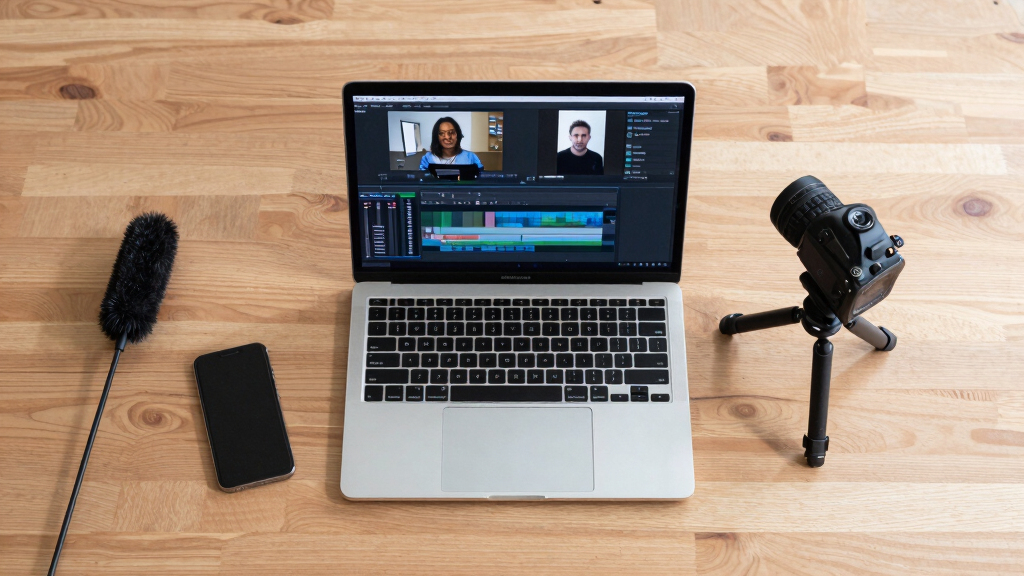
Most tools stop at transcribing your video. But a local-first system like ChannelHelm does so much more. It reads the audio, analyzes visuals, and fuses both into a structured, timestamped log. This multi-layered understanding isn’t just about convenience; it fundamentally enhances your ability to craft precise, engaging content. By analyzing audio and visual cues deeply, it enables smarter clip selection, more accurate titles, and detailed on-screen descriptions—without exposing your raw footage online. This process allows creators to make data-driven decisions, improve content quality, and maintain full control over their assets, which is essential for branding consistency and intellectual property security. The tradeoff is that setting up and understanding these layers requires some technical familiarity, but the payoff is a highly tailored, secure workflow that adapts to your specific needs.


Adobe Bridge 2026 User Guide: The Complete Step-by-Step Masterclass to Digital Asset Management, Seamless Creative Cloud Integration, and Supercharging Your Workflow
As an affiliate, we earn on qualifying purchases.
As an affiliate, we earn on qualifying purchases.
Step-by-Step: How to Turn a Video into a Full Publishing Kit Offline
- Drop or link in your video: Drag a file or paste a URL. The system detects your channel and starts analyzing.
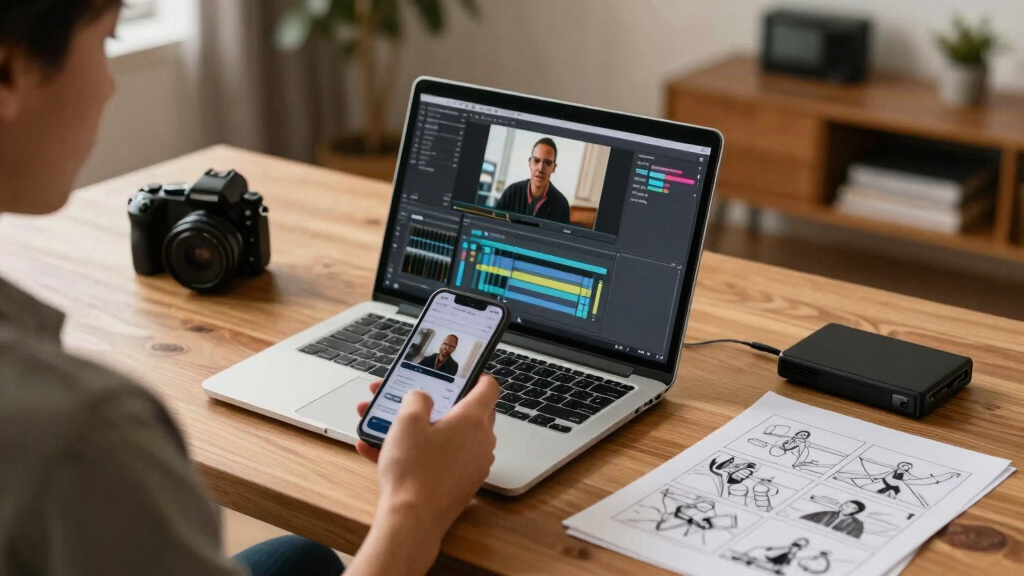
- Let it understand: Background workers transcribe, analyze visuals, and fuse data into a single scene log. This step is critical because it transforms raw footage into structured, actionable insights. The quality and depth of this understanding directly influence how well the system can generate relevant assets. For example, better transcription accuracy leads to more precise titles and descriptions, while detailed scene analysis improves clip selection. The tradeoff here is that more complex analysis might take slightly longer, but it results in higher-quality outputs that save you time during review and editing.
- Review assets: The system drafts titles, descriptions, clips, and social posts, all waiting in your review panel. You can edit, regenerate, or approve each piece. This stage is where your creative input refines the automated suggestions, ensuring the final assets align with your voice and branding. The ability to quickly iterate on these assets means faster publishing cycles and more consistent quality, which is vital for maintaining audience engagement and trust.
- Dispatch: When ready, publish your assets directly to your platforms, all from your local machine, without a cloud dependency. This final step consolidates your control, allowing you to manage multiple platforms simultaneously while safeguarding your content from potential breaches or data leaks associated with cloud services. The main implication is that you gain speed and security, but it requires a well-organized workflow to handle multiple assets efficiently.
The entire process takes minutes, not hours—especially when you leverage the real-time progress indicators.

Dictation Depot LLC Express Scribe Transcription Kit – Professional Software, Heavy Duty Infinity IN-USB-3 Foot Pedal, Spectra FLX-10 Headset – 16GB Memory, USB Interface
Three-button USB foot pedal makes transcribing fast and efficient
As an affiliate, we earn on qualifying purchases.
As an affiliate, we earn on qualifying purchases.
Compare Cloud vs. Local: Which Workflow Wins?
| Feature | Cloud-Based Tools | Local-First Workflow |
|---|---|---|
| Control over assets | Dependent on service provider | Full ownership, everything stays on your machine |
| Speed | Limited by upload/download speeds | Instant processing, no upload lag |
| Privacy | Data stored on external servers | All data stays local, private by default |
| Automation | Cloud AI handles most tasks | Local AI handles transcription, analysis, and asset creation |
| Dependence | Requires internet connection | Works offline after setup |
According to recent trends, local workflows offer faster turnaround and greater security, especially for creators wary of giving up control over their media. This shift isn’t just about convenience; it reflects a broader move towards empowering creators with sovereignty over their content. The tradeoff involves initial setup complexity and the need for more robust local hardware, but the long-term benefits—speed, security, and independence—often outweigh these hurdles.

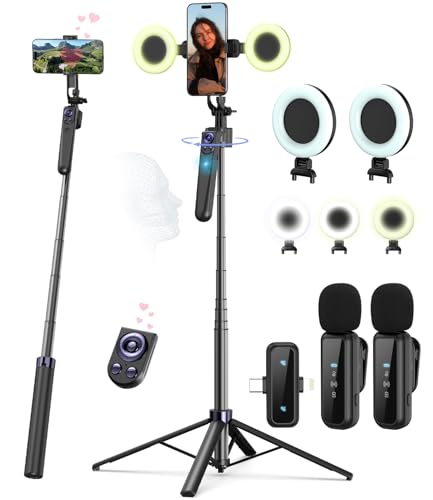
Vlogging Kit for iPhone/Android, 63”Auto Face Tracking Tripod for iPhone with Light, Wireless Microphones, Scrolling Remote Control for TikTok, Content Creator Kit for YouTube Starter
Complete Vlogging Kit: Designed for content creators, this kit includes a face-tracking tripod for iPhone, professional microphone, and…
As an affiliate, we earn on qualifying purchases.
As an affiliate, we earn on qualifying purchases.
What Gets Generated from One Video? The Complete List
From a single video, a local-first system can produce a rich set of assets, each serving a strategic purpose in your publishing pipeline. Titles and descriptions are crafted not just for engagement but optimized for search algorithms—improving discoverability and reach. Thumbnails are based on key moments, chosen through visual analysis, ensuring they attract attention. Short clips for TikTok, Reels, Shorts are automatically rendered, enabling rapid cross-platform promotion—crucial for maintaining relevance in fast-paced social feeds. Transcripts are formatted for blogs or ebooks, providing accessible content that enhances SEO and user engagement. Social media posts are tailored for each network, respecting platform-specific formats and audience behaviors. Media kit elements like author photos or cover images are generated to maintain branding consistency. Each asset is derived from the same source, ensuring coherence across all channels. The implication is that this comprehensive set significantly reduces manual labor, accelerates publishing, and maintains high quality—allowing creators to focus more on content strategy than asset creation.
Control Your Assets, Keep Files Local, and Speed Up Your Publishing
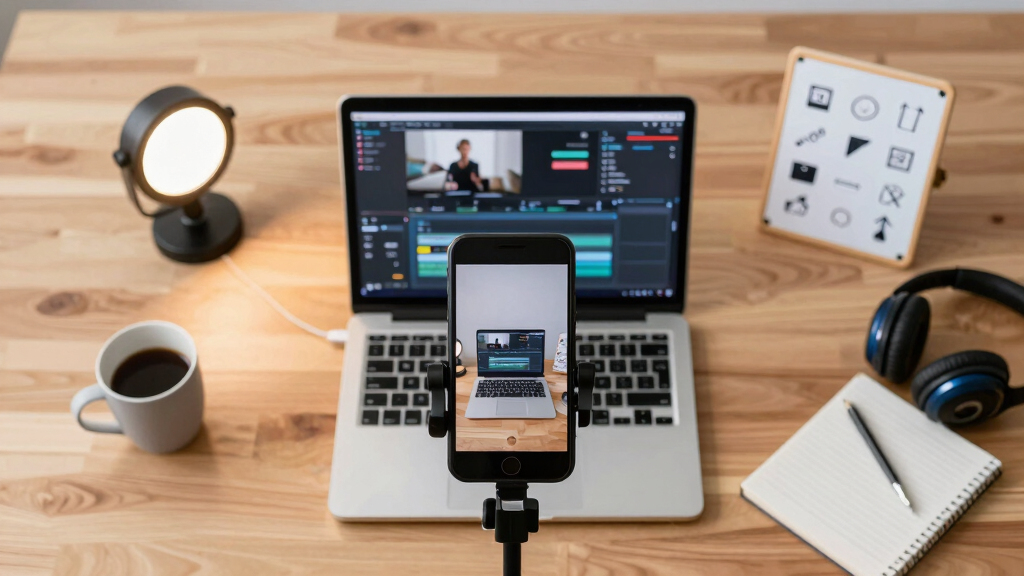
When you skip the cloud, you don’t just gain speed—you gain peace of mind. Files stored locally mean you’re in full control of your data, reducing risks associated with data breaches, service outages, or policy changes. Learn more about consumer technology and data security. This approach ensures your assets are always accessible and editable without relying on internet connectivity, which is especially valuable in remote or bandwidth-limited environments. The immediate access to assets allows for rapid iterations—whether you’re updating a thumbnail, refining metadata, or adjusting clips—saving valuable time. For example, a creator managing multiple projects can generate and tweak content in real-time, maintaining a high publishing cadence without bottlenecks. The tradeoff involves managing your own storage and backup solutions, but the security and speed benefits make it a compelling choice for serious creators committed to sovereignty over their content.

Review, Edit, and Approve—All in One Place
The review panel in a local-first publishing system isn’t just about approval—it’s about empowering precision and efficiency. By visualizing the progress and status of each asset—titles, descriptions, clips—you gain immediate insight into your project’s state. This transparency allows you to prioritize edits and avoid bottlenecks, ensuring a smooth workflow. The ability to approve, tweak, or regenerate assets directly within the interface reduces context switching and accelerates the publishing cycle. Furthermore, the system records provenance—tracking who made specific changes and with what prompts—providing accountability and clarity. This comprehensive oversight is crucial for maintaining quality standards, especially when multiple collaborators are involved. The implication is that integrated review and editing streamline the entire process, making it more manageable, repeatable, and aligned with your creative vision.

How to Get Started with a Local-First Video Publishing System
Getting set up is simpler than you think, but understanding the deeper implications helps you optimize your workflow. First, check out ChannelHelm on GitHub for the open-source project. It runs locally, and setup takes about 15 minutes with basic familiarity—this is a small investment for long-term control. Once configured, your system becomes a powerful extension of your creative process, automatically handling transcription, scene detection, and asset drafting—saving hours of manual work. This automation is a double-edged sword; while it accelerates output, it also means that your initial setup and ongoing maintenance are crucial to ensure accuracy and efficiency. Keeping your project organized with consistent naming conventions and templates not only streamlines your current workflow but also scales well as your content library grows. The key is to view this setup as an investment in sovereignty—your content, your rules, your speed.
Frequently Asked Questions
What exactly gets generated from one video?
From a single video, the system produces titles, descriptions, social clips, thumbnails, transcripts, and media kit assets—all tailored for each platform, all created offline for maximum control and speed.
Does this work entirely offline, or does it only avoid cloud storage?
The system is designed to run entirely offline after setup. All processing happens locally, ensuring your media stays private and your workflow remains fast without relying on internet connection.
Can it handle both YouTube and other platforms like TikTok or Instagram?
Yes, the workflow supports multiple platforms. It generates platform-specific clips, thumbnails, and posts, making cross-publishing seamless from a single source.
How accurate are the transcriptions and scene detections?
Using advanced local AI models, the system offers high accuracy—often within 95%—especially for clear audio and well-lit visuals. You can review and tweak assets before publishing, but understanding the limitations helps you set realistic expectations and plan manual adjustments when necessary.
What skills do I need to set this up?
A basic understanding of video files and some comfort with installing software is helpful. The setup is straightforward, and detailed guides are available to get you started quickly. Recognizing the importance of technical literacy ensures you can troubleshoot and optimize your workflow for best results.
Conclusion
Going offline with your publishing process isn’t just about privacy—it’s about reclaiming your time and control. A single video can become a full, ready-to-publish kit, with every asset crafted precisely on your terms. The future of content creation is local, fast, and fully owned by you.
If you’re tired of waiting on cloud services or losing control over your files, give this approach a try. Your workflow, and your content, will thank you.